How to Make a Word Search: a Step-by-Step Guide
Zé · Published 21 October 2026
To make a word search, choose a theme and 10 to 15 words, draw a square grid (13 × 13 works well), write the words in it running across, down or diagonally, fill the empty squares with letters taken from your word list, then solve it yourself to check. Allow about an hour with a pencil and a ruler.
This guide shows each step using the specification of our own large print puzzles, so you can make a grid that is easy to read for a grandparent, a class or a Christmas table.
Step 1: choose a theme and your words
- Pick a theme the solver knows well. The garden, the seaside, a football club, the family. Familiar words are found faster and make the puzzle feel friendly.
- Match the number of words to the grid. As a guide: 8 to 10 words for a 10 × 10 grid (children, beginners), about 15 for 13 × 13, 20 or more for 15 × 15.
- Mix the lengths. A few long words (WHEELBARROW), mostly medium ones (SPADE, HEDGE) and one or two short ones (SHED).
- Join words with several parts. Write ICECREAM or WATERINGCAN, with no spaces or hyphens, and keep the word list below the grid spelled the same way.
- Keep the longest word shorter than the grid. In a 13 × 13 grid, 13 letters is the limit, and a 9 or 10-letter word is much easier to place.
Step 2: draw a grid people can read
Most of the difficulty in a printed word search comes from the size of the letters, not the puzzle itself. For a large print grid, use what we use in our books:
- Squares of about 1.2 cm (1/2 inch). A 13 × 13 grid is then 15.6 cm wide, which fits on A4 with ordinary margins; at exactly half an inch, it is 6.5 inches, which fits on US Letter with 1-inch margins.
- Capital letters in bold. A plain font such as Arial or Verdana, around 22 to 24 pt (our books use bold 23 pt capitals), black on white.
- One grid per page. Put the word list underneath in large print too, with a box to tick next to each word.
- Light grid lines, or none. Thick lines compete with the letters; thin grey lines are enough.
By hand: rule the grid in pencil with a ruler on plain paper, write the letters in felt-tip pen once you are happy, and rub out the pencil lines. In Google Docs or Word: insert a 13 × 13 table, open the table properties, set the column width and the row height to 1.2 cm, centre the text horizontally and vertically, and type one capital letter per cell. If the rows grow taller than the columns, reduce the font size by a point or two.
Step 3: place the words
- Start with the longest words. They have the fewest possible spots. Place them first, away from the edges if you can.
- Choose your directions. For an easy puzzle, use only left to right, top to bottom, and the two diagonals that read from left to right (going down or going up). Never backwards. For a harder puzzle, allow all eight directions.
- Spread the directions. Don't put every word across; aim for a rough mix of across, down and diagonal.
- Let words cross. Two words can share a letter where they cross (HEDGE and SHED can share their H), which makes the grid feel full. Never let two words overlap along the same line.
- Write the placed words in pencil first. It is much easier to move one that blocks the others.
Step 4: fill the gaps and check
- Fill with letters from your own word list. If the theme words are full of E, R and S, use mostly those. Random letters such as Q, X and Z stand out and give away which squares are empty.
- Avoid accidental doubles. Short words are easy to create twice by chance (TREE, SEA). Each word should appear in only one place, so check the short ones again.
- Read every row for rude words. Filler letters can spell something you would rather not hand to your aunt.
- Solve it yourself, or ask someone else to. Tick off each word as you find it. If one is missing or appears twice, fix it now.
- Make the answer key. Photocopy or reprint the finished grid and circle every word. Keep it on a separate page.
Using a free word search maker
If you search for “word search maker”, you will find free online tools: type your list, press a button and print. They save time, especially for a class. Before you print, check four things:
- Letter size. Choose the largest option, or the grid will be hard to read once printed.
- Directions. Switch off backwards words for beginners and older solvers who want an easy puzzle.
- Spaces in the words. Check how multi-word answers are handled and make the list match the grid.
- The answer key. Make sure one is included or can be printed separately.
Personalised word search ideas to give
- A grandparent's life story. The towns they lived in, their pets, their first car, the names of the grandchildren.
- A family Christmas edition. Everyone coming for lunch, the dog, CRACKERS, SPROUTS, MINCEPIES, PAPERHATS, the walk you always take on Boxing Day. Print it large, roll it with a pencil and put it in a cracker or by each plate.
- A class puzzle with pupils' names. A good end-of-term activity. Keep surnames out of anything that leaves the classroom.
- A birthday or anniversary grid. Places, dates spelled in words, favourite songs, shared jokes.
- A holiday memory. The campsite, the beach, the ice creams, the place where it rained all week.
Rather not make 90 of them?
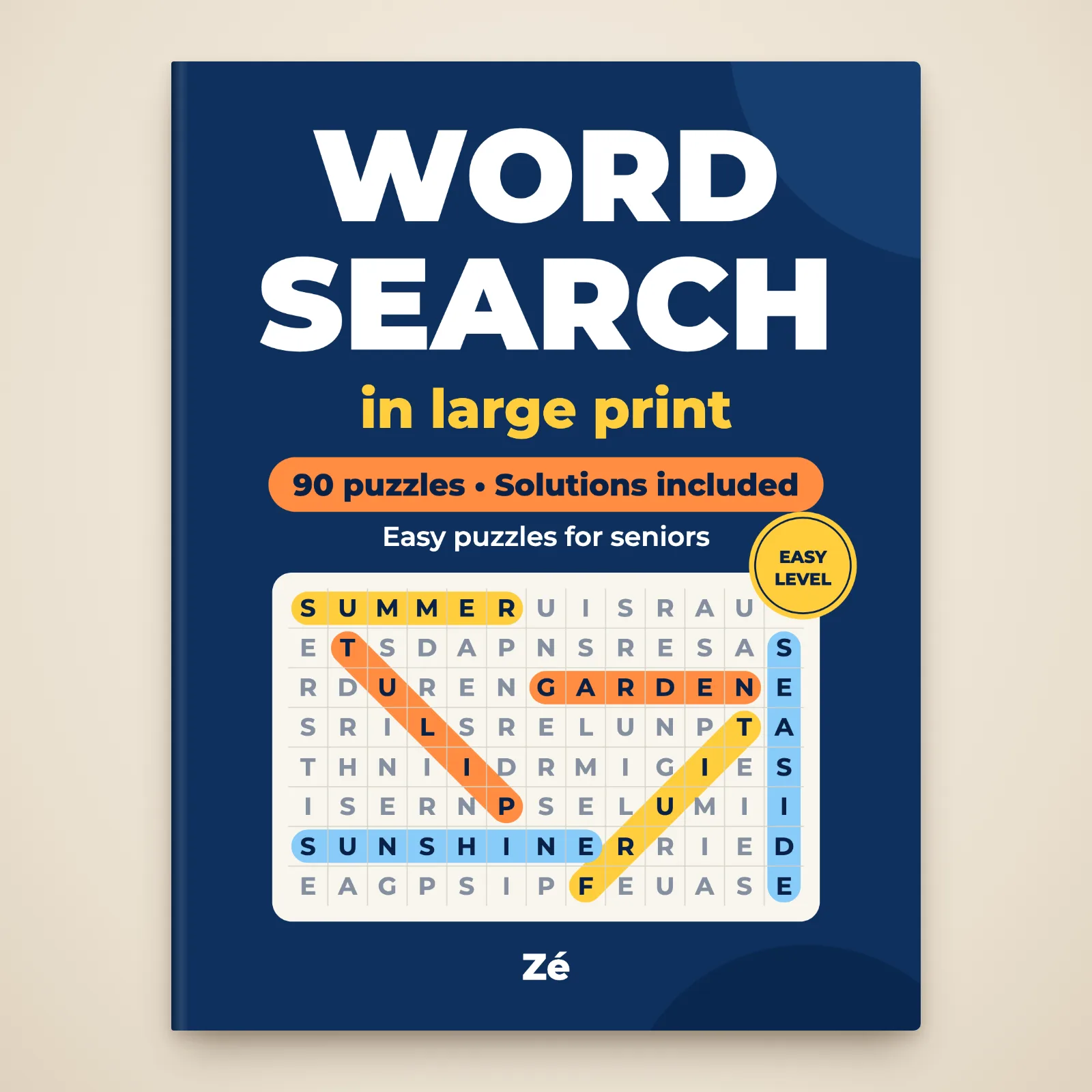
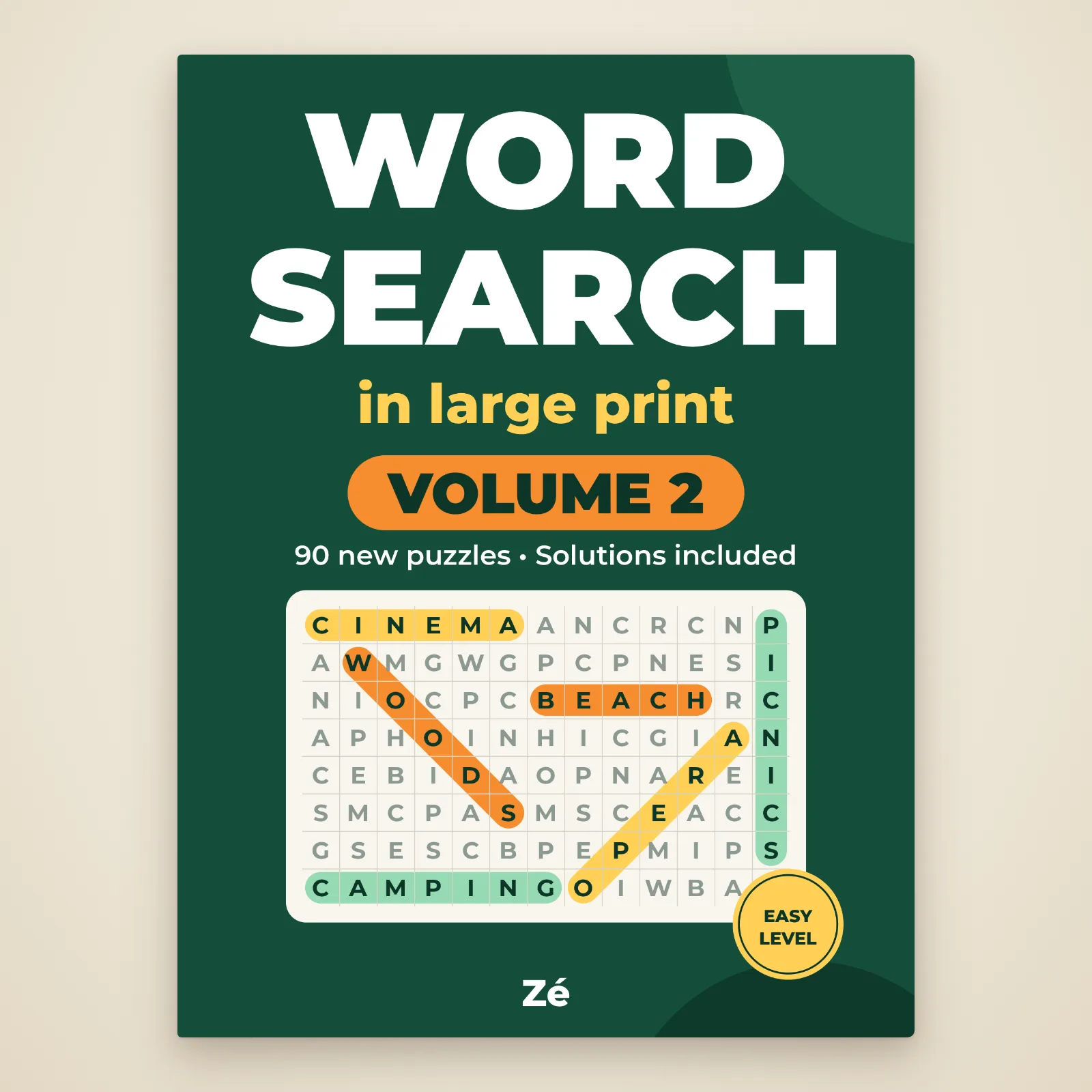
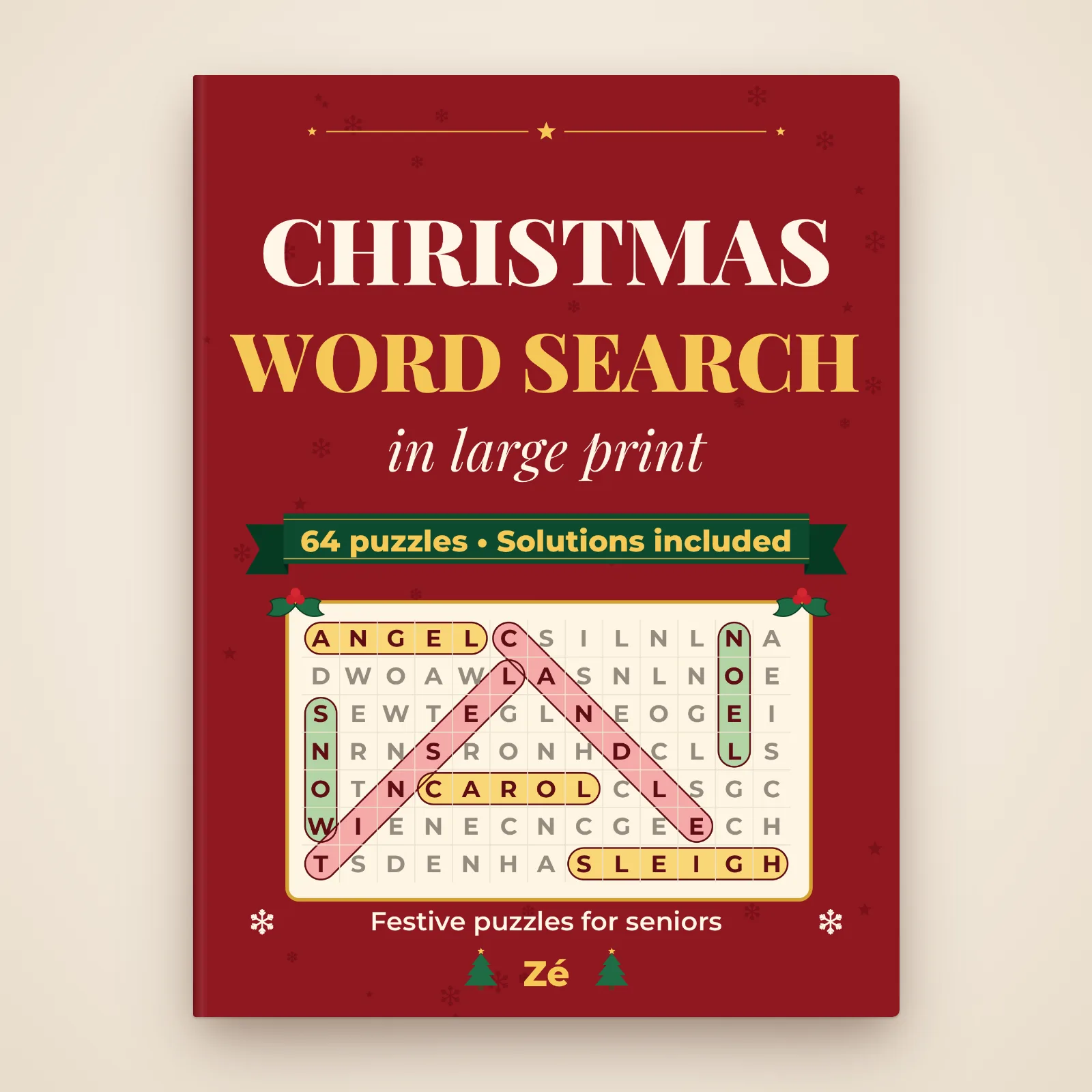
Making one puzzle is fun; making a book of them is a lot of work. Our Large Print Word Search, volume 1 follows exactly the specification above: 90 easy puzzles, one 13 × 13 grid per page with squares of about 1.2 cm, big bold capitals, 15 words per puzzle, never backwards, and 45 pages of solutions at the back. Themes are mostly British (Cities of Britain, Afternoon Tea, Bonnie Scotland). Volume 2 has 90 more on new themes, and the large print Christmas word search 64 festive grids, from Advent to Pancake Day. They are black-and-white PDFs you print at home, so you can reprint any grid. All three sit in our large print word search section; our word search tips explain how to find the words faster, and our guide to word search books for seniors what to look for in a ready-made book.
Grids ready to print
Frequently asked questions
How do you make a word search for free?
With a pencil, a ruler and plain paper, or with a table in Google Docs or Word. Choose 10 to 15 words, draw a 13 × 13 grid, place the longest words first, fill the gaps with letters from your word list and solve it once yourself.
How many words should a word search have?
About 8 to 10 words in a 10 × 10 grid for children or beginners, around 15 in a 13 × 13 grid, and 20 or more in a 15 × 15 grid for experienced solvers.
How do you make a word search in Google Docs?
Insert a 13 × 13 table, set the column width and row height to the same value in the table properties (1.2 cm for large print), centre the text, choose a bold font around 22 to 24 pt and type one capital letter per cell.
How big should the letters be in a large print word search?
Squares of about 1.2 cm (1/2 inch) with bold capitals filling most of the square, black on white, and only one grid per page.
Can I make a word search with names?
Yes. Names work well for a class, a family Christmas or a birthday. Write them in capitals without spaces and keep the list under the grid spelled exactly as in the grid.